First
of all you need to download the trial. were going to use PvZ in the
tutorial but you can use most popcap games. Once you have downloaded the
trial, go ahead and install it.
Step 2Run the Game
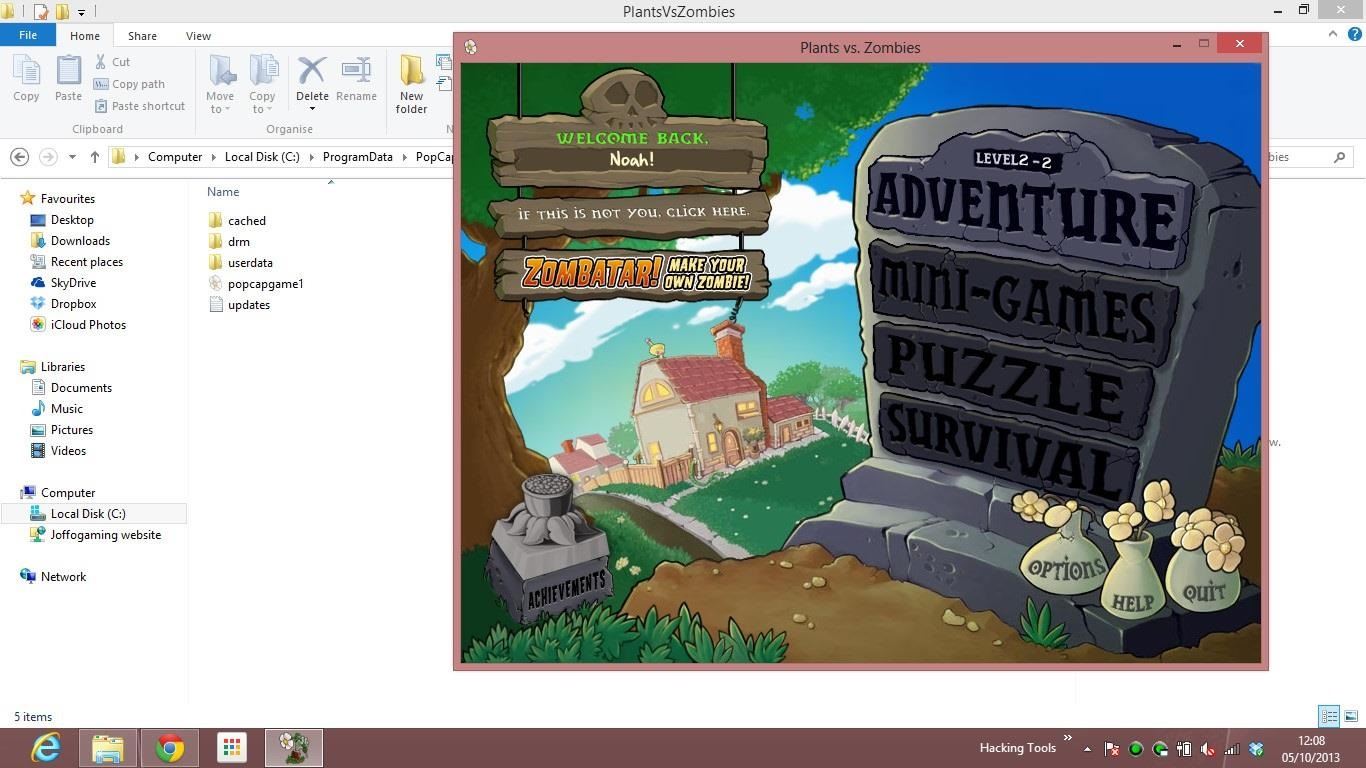
All you have to do for this step is run the game and then put it into windowed mode and possibly open windows explorer
Step 3Crack the Game
Switch on hidden files and folders and make your way to c://ProgramData/popcap/pvz/ or something like that
You
will see a file called popcapgame1 in the folder. copy this to your
desktop. then drag it into the plants vs zombies directory witch will be
located in program files (x86) even if you are on a 64 bit pc . then
the popcap games directory and then the plants vs zombies directory.
right
Step 4Finishing Touches
right
click > properties to open popcapgame1's properties and uncheck the
hidden file propertie. then delete the file called PlantsVsZombies close
the pvz windows if it is in use. then rename the popcapgame1 to
PlantsVsZombies and voila. when you open the desktop shortcut, it will
open a full version of PvZ